

Same-day, error-free court filing comes down to three things: a document that meets the court’s formatting rules before you upload it, a filing envelope that matches the case exactly, and enough buffer before the court’s cutoff to fix a rejection if one comes back.
In California, an e-filed document received by 11:59:59 p.m. on a court day is deemed filed that day under Code of Civil Procedure section 1010.6. But a rejection doesn’t stop the clock. This guide walks through the pre-filing checks, the filing-day workflow, and the fixes that keep a filing from bouncing.
Whether you’re filing a routine motion or racing an ex parte deadline, the habits below apply to every California superior court that accepts e-filing. Where counties differ, we’ve flagged it.
What does “same-day filing” actually mean in California?
It means the court’s system receives your document on the day you need it filed, not that a clerk accepts it that day. Under CCP § 1010.6(b)(3), a document received electronically between 12:00 a.m. and 11:59:59 p.m. on a court day is deemed filed on that court day. Anything received on a weekend or court holiday is deemed filed on the next court day.
Two important caveats:
- Receipt isn’t acceptance. The clerk still reviews the filing. If it’s rejected, you generally have to fix and resubmit, and the resubmission gets its own timestamp.
- The midnight rule doesn’t override other deadlines. The statute is explicit that e-filed documents must still meet every other filing deadline and requirement. Ex parte applications, hearing-specific papers, and anything with a local “by noon” or “by 10 a.m.” rule follow those earlier times.
Why do e-filings get rejected?
Most rejections are preventable and fall into a handful of buckets: formatting, envelope data, fees, and missing pieces. The most common we see:
1. Not text-searchable. Rule of Court 2.256(b) requires electronic documents to be text-searchable when technologically feasible. Scanned pages without OCR are a frequent bounce.
2. Missing or incorrect exhibit bookmarks. Rule 3.1110(f)(4) requires electronic exhibits to be bookmarked (for filers who aren’t self-represented), each bookmark pointing to the first page of the exhibit with a descriptive title.
3. Pagination and formatting errors. Pages must be numbered consecutively at the bottom using only Arabic numerals, counting from the first page (the number itself may be left off page 1) (Rule 2.109). Each page also needs a footer below the page number, separated by a line, showing the document’s title or an abbreviation in at least 10-point font (Rule 2.110).
4. Wrong case number or case title in the filing envelope, or party names that don’t match the court’s records.
5. Wrong document type or filing code. For example, filing a motion under a generic “Other” code, or picking a code that triggers the wrong fee.
6. Fee problems. An incorrect first-appearance fee, a missing motion fee, or a fee waiver that wasn’t attached.
7. Active fillable fields left on Judicial Council forms. Some courts, such as San Bernardino, won’t accept forms that are still fillable. Flatten them before filing.
8. Missing signature, attorney information, or State Bar number on the first page. Rule 2.111 requires the filer’s name, address, phone, email and State Bar number on page 1.
9. No hearing reserved when the document requires one, or a hearing date that doesn’t match the court’s calendar.
10. Missing attachments. A proposed order, proof of service, or declaration referenced in the moving papers but not included.
How do I prepare a document so it’s accepted the first time?
Run every filing through the same pre-flight check before it goes into an envelope. It takes five minutes and catches the majority of rejections.
- PDF is text-searchable (try selecting a line of text; if you can’t, run OCR at 300 dpi or higher)
- Pages numbered consecutively from 1; document title in the footer
- Font at least 12 point; margins at least 1″ left and ½” right
- Every exhibit bookmarked with a descriptive label (e.g., “Exhibit A – Lease Agreement dated 3/1/2025”)
- Judicial Council forms flattened; no live fillable fields
- Caption page complete: attorney name, State Bar number, firm, address, phone, email, party represented
- Signatures in place (electronic signatures per Rule 2.257)
- All referenced attachments included: proposed order, declarations, proof of service
- Case number and party names match the court’s docket exactly
- Hearing date reserved, if the document requires one
What’s the best filing-day workflow for same-day filing?
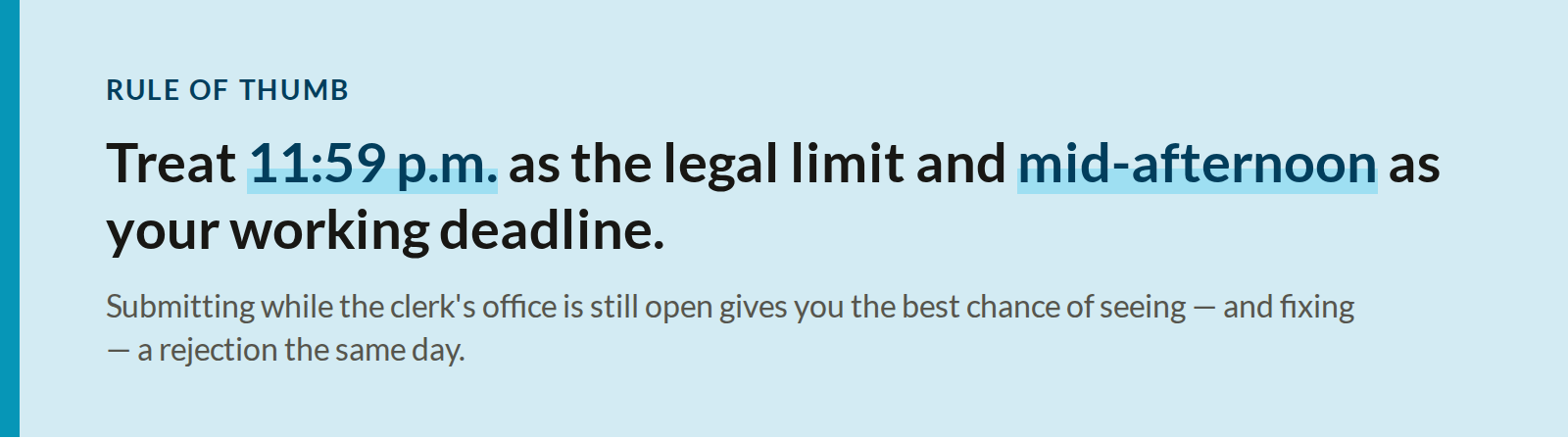
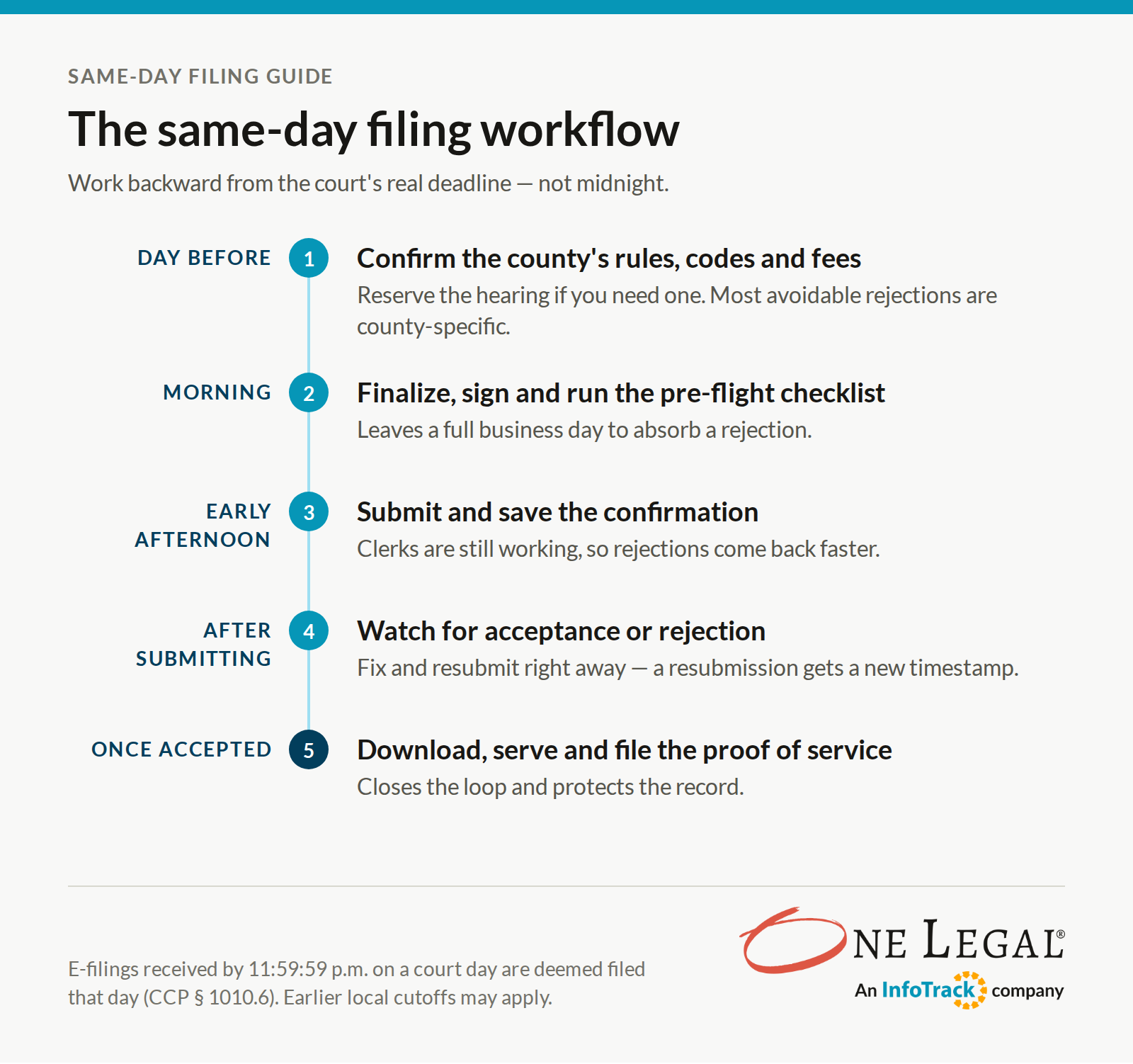
Work backward from the court’s real deadline, not midnight. A reliable sequence looks like this:
What should I do if my filing is rejected?
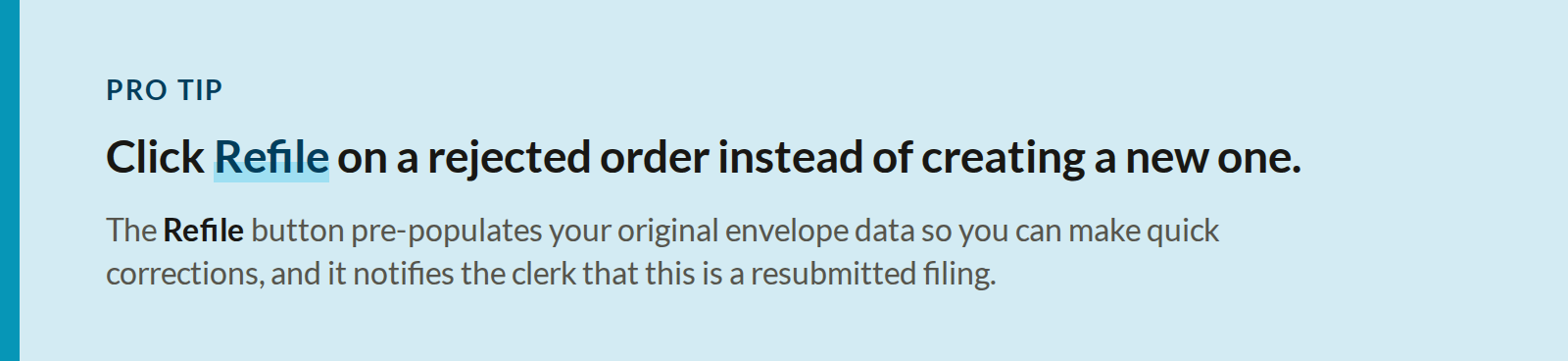
Read the rejection reason, fix only what the clerk flagged, and resubmit as quickly as possible. Specifically:
1. Read the notice closely. Clerks usually cite the specific defect: a missing bookmark, a mismatched case number, a fee issue, for example.
2. Fix the document or the envelope, not both at random. If the problem is envelope data (filing code, party, fee), the PDF may be fine as is.
3. Resubmit and note the timing. If a deadline was at stake, keep the original submission confirmation and rejection notice with the file.
4. If the court’s system failed, not your document, Rule of Court 2.259 allows a court to deem a filing made on the date it was first attempted when a technical problem prevented it. Document everything and raise it with the court promptly.
How does electronic service affect my deadlines?
Filing and service run on different clocks. Under CCP § 1010.6, electronic service generally extends any period of notice, or any deadline to respond, by two court days. And a document e-served after 5:00 p.m. — or on a non-court day — is deemed served on the next court day. A filing can be timely at 11:30 p.m. while service of the same document counts as the following day.
Keep a clean record of every e-service: who was served, at what address, and when. A proof of service that matches the court’s timestamp saves an argument later.
What changes when I’m filing in a new county?
More than you’d expect. California’s 58 superior courts share the Rules of Court but set their own local rules, e-filing mandates, accepted document types, and filing codes. Before your first filing in an unfamiliar county, confirm:
- Whether e-filing is mandatory, permissive, or unavailable for your case type
- Which filing codes the court uses for your document
- Local cutoffs for ex parte or time-sensitive papers
- Whether the court requires courtesy copies, and in what form
- Current filing fees for your case type
Related: California Court Filing & Service Rule Changes: County Tracker
How can a filing service help with same-day filing?
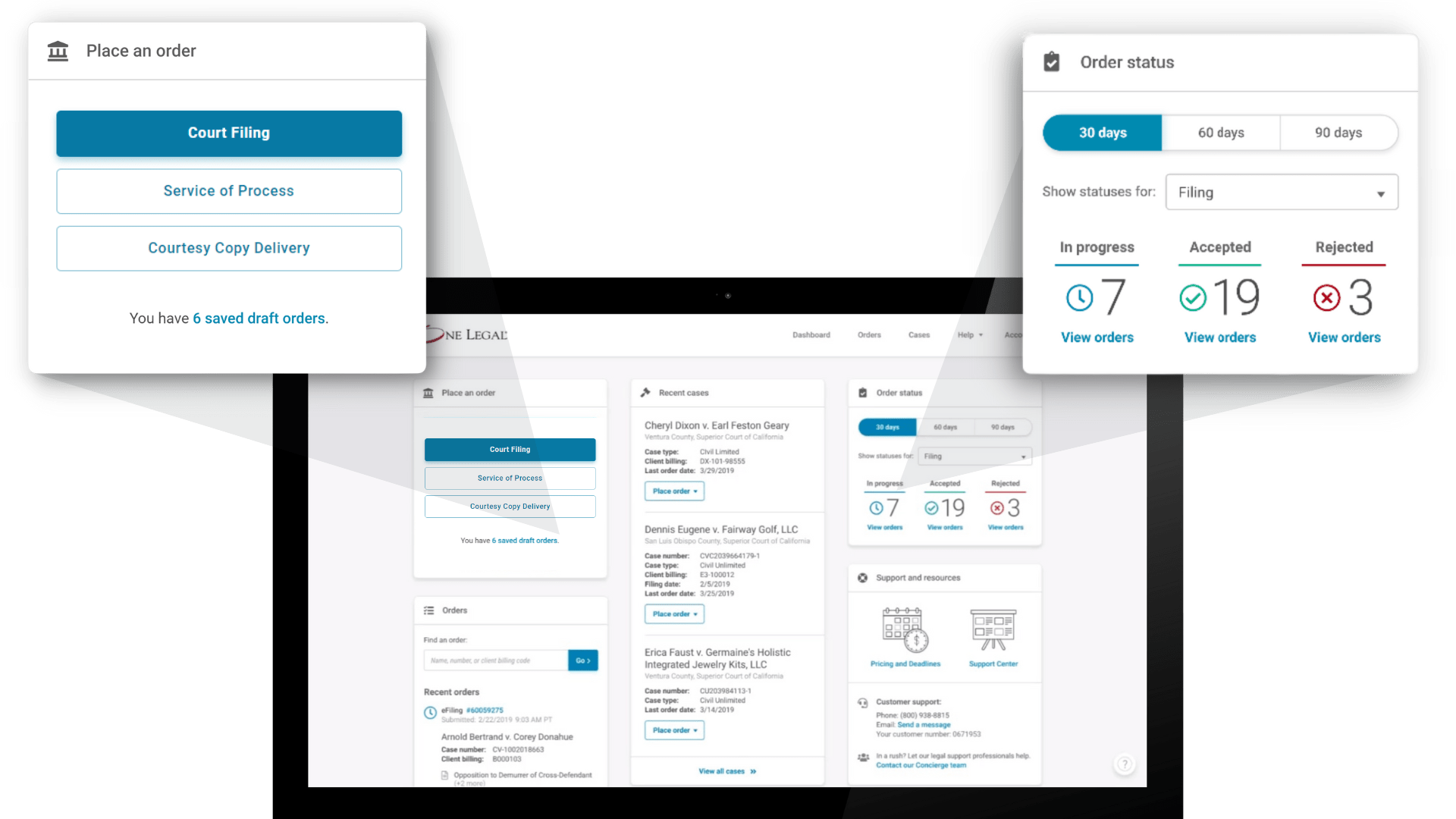
A good filing service handles the parts of the process most likely to cause delays — county-specific requirements, filing codes, fees, and status tracking — so the paralegal can focus on the documents themselves. Here’s how One Legal maps to the workflow above:
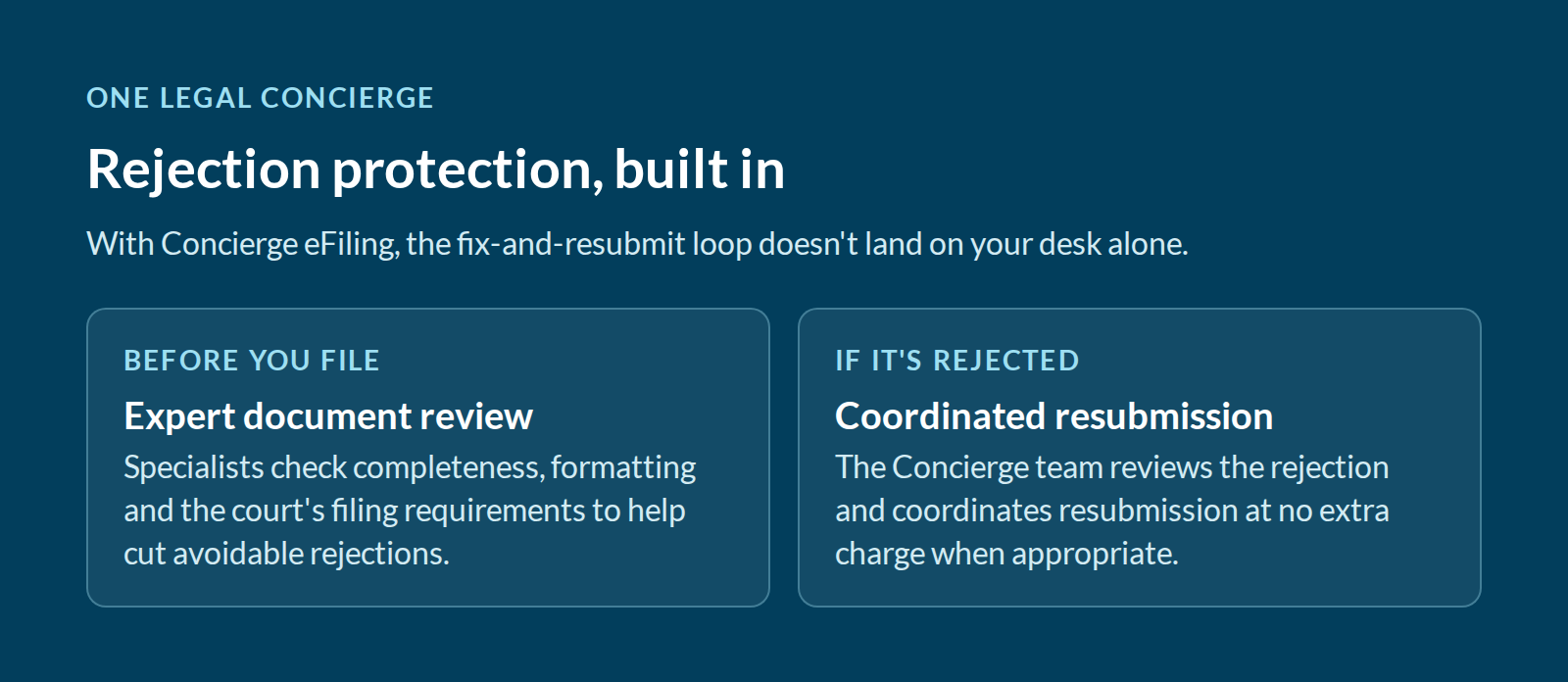
- Pre-submission review. Concierge specialists check documents for completeness, formatting, and applicable court requirements before they’re filed.
- Rejection protection. If a Concierge eFiling is rejected, the Concierge team reviews the rejection and coordinates resubmission at no extra charge when appropriate.
- One view of every filing. Your case portfolio shows all filings and service orders tied to a case and where each one stands, and eService orders show real-time status updates.
- File, serve, and file again. With a File-Serve-File order, One Legal files your documents, completes service, and files the proof of service — closing the loop in one order.
Learn more about How One Legal Works.
Frequently asked questions
What time is the e-filing deadline in California?
Generally 11:59:59 p.m. on a court day. Under CCP § 1010.6(b)(3), an e-filed document received by then is deemed filed that day. Ex parte and other time-sensitive filings may have earlier local deadlines.
Is a document filed when I submit it or when the court accepts it?
It’s deemed filed when the court’s system receives it, provided the clerk accepts it. If the filing is rejected, you’ll typically need to correct and resubmit it, and the new submission carries its own timestamp.
Do e-filed documents need to be text-searchable?
Yes. California Rule of Court 2.256(b) requires electronic documents to be text-searchable when technologically feasible. Scanned documents should be run through OCR before filing.
Do exhibits need bookmarks?
Yes, for represented parties. Rule 3.1110(f)(4) requires each electronic exhibit to be bookmarked to its first page with a descriptive title.
Does electronic service extend my response deadline?
Generally, yes, by two court days under CCP § 1010.6, with some exceptions. Documents e-served after 5:00 p.m. are deemed served on the next court day.
What if the court’s e-filing system goes down on my deadline?
Rule of Court 2.259 lets a court deem a document filed on the date the filer first attempted to submit it if a technical problem prevented filing. Keep records of every attempt and raise it with the court promptly.
This article is for general informational purposes and isn’t legal advice. Rules and local requirements change. Always confirm with the applicable court’s current rules before filing.